


Address errors at WooCommerce checkout cost store owners more than most realise. A customer who types the wrong postcode does not always catch it before clicking Place Order. The package ships to the wrong address, gets returned or lost in transit, and the store absorbs the cost of reshipping or issuing a refund. Multiply that across a month of orders and the financial impact becomes significant, even if the individual error rate looks small on paper.
The core issue is that manual address entry is inherently unreliable. Customers type quickly, autocorrect changes words they did not intend to change, and people genuinely misremember their own postcodes more often than you might expect. These are not edge cases caused by careless customers. They are predictable outcomes of asking people to type structured data accurately from memory, often on a mobile device, often in a hurry.
WooCommerce address autocomplete targets this problem at its source by replacing manual entry with verified address suggestions from Google’s Places API. This post explains the specific types of errors that address autofill prevents, how the plugin handles them, and how to get it set up on your store.
The Address Errors That Cause the Most Problems
Not all address errors are equal. Some cause minor inconvenience. Others cause packages to be delivered to the wrong city. Understanding which errors are most common helps explain why autocomplete is worth prioritising over other checkout improvements.
Incorrect postcodes are the most costly error. Customers enter old postcodes from previous addresses, postcodes from a nearby area they confuse with their own, or simple typos that change the destination zone entirely. A postcode error that shifts delivery to the wrong sorting facility can add days to delivery time or cause the package to be returned as undeliverable. The store usually does not find out until the customer contacts support asking where their order is.
Misspelled street names are the second common error. Streets with unusual spellings, multiple words, or regional abbreviations are regularly typed incorrectly. The error looks plausible in the order details screen because a human reading it might not know the correct spelling either. It only surfaces when the carrier attempts delivery and cannot locate the address.
Missing or incorrect apartment and unit numbers round out the top three. Customers in multi-unit buildings sometimes forget to include their unit, enter an old unit number from a previous residence, or put the information in the wrong field. This causes packages to arrive at the correct building but the wrong door, which creates its own set of complications.
Address autocomplete prevents all three by sourcing address data from Google’s verified database rather than from the customer’s typing. The postcode comes from Google’s records for that specific street. The street name is spelled exactly as it appears in Google’s database. And for addresses with unit numbers, the customer can enter their unit in the secondary address field after autocomplete handles the primary components, reducing the chance of losing the essential information entirely.
How Google Address Autofill Works at Checkout
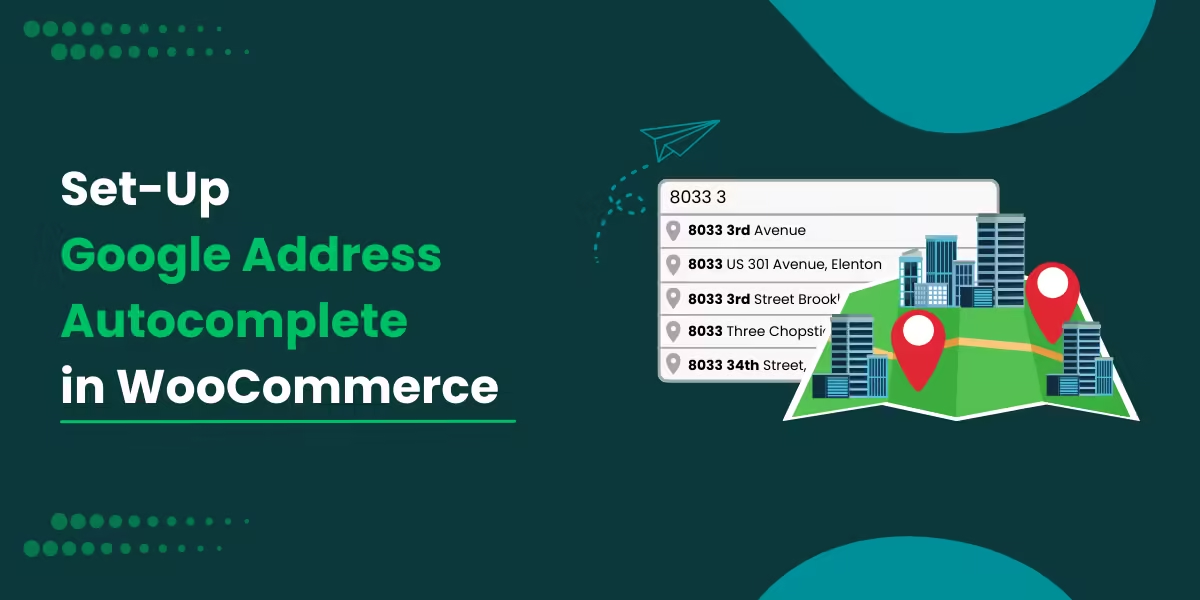
When a customer begins typing in the address field on the WooCommerce checkout page, the plugin queries Google’s Places API and returns matching address suggestions in a dropdown below the field. The suggestions update as the customer types, narrowing to closer matches with each character entered.
The customer clicks on their address from the list. The plugin receives the selected address, parses it into its individual components, and populates each checkout field: street address, city, state or county, postcode, and country. The customer does not need to tab between fields or check that the postcode is correct. It is populated directly from a source that already has it right.
For customers whose address does not appear clearly in the dropdown, or whose delivery location requires more precision than a street address can provide, the plugin also displays an optional Google Map on the checkout page. The customer drags a marker to their exact delivery location and the address fields fill based on the pin’s coordinates. This is particularly useful for rural addresses, properties on newly built streets, or locations where the street address alone does not identify the correct entry point.
Errors on the Admin Side Matter Too
Checkout errors are not always introduced by customers. Store admins who edit orders manually in the WooCommerce backend can also make mistakes when updating a customer’s address. If an order comes in with an incorrect address and a team member needs to correct it before dispatch, typing the replacement address manually creates another opportunity for error.
The plugin applies address autocomplete in the Order Details screen in the WooCommerce admin panel as well. When an admin begins typing an address into the order fields, Google’s suggestions appear in the same way they do on the checkout page. The corrected address is sourced from Google’s database rather than typed from scratch, which reduces the chance of introducing a new error while fixing the original one. For stores with a team handling fulfilment, this matters more than it might seem.
Country Restrictions Add Another Layer of Accuracy
For stores that only ship to certain regions, the country restriction setting adds another layer of error prevention. When restrictions are configured, the autocomplete dropdown only returns suggestions for the countries you have specified.
A customer browsing from a country you do not ship to will not see autocomplete suggestions, and a customer who attempts to enter an address in a restricted country will not be able to select a verified suggestion. This surfaces delivery incompatibilities at the point of address entry, before the order is placed, rather than during fulfilment when the problem is harder and more expensive to resolve.
Setting Up Google Address Autocomplete for WooCommerce
Before installing the plugin, you need a Google API key with two APIs enabled: the Places API and the Maps JavaScript API. To generate one, go to the Google Cloud Console at console.cloud.google.com, create or select a project, enable both APIs from the library, then go to Credentials and create an API key. Restrict the key to your store’s domain to prevent unauthorised use.
Purchase and install the plugin from the WooCommerce Marketplace. After activation, navigate to WooCommerce > Settings > Google Address Autocomplete on the Checkout tab. The full setup and configuration guide walks through every available setting in detail.
In brief, paste your API key, enable autocomplete for billing fields, shipping fields, or both, configure country restrictions if your store ships to specific regions, and choose whether to display the map and which map theme to use. Save the settings and test by typing a partial address on the checkout page to confirm suggestions appear correctly.
The complete setup takes under fifteen minutes for most stores and requires no coding.
Compatibility
The plugin is compatible with WooCommerce Cart and Checkout Blocks, HPOS, Multisite, and PHP 8. It works with Storefront, Avada, Flatsome, Porto, Woodmart, Divi, and the WooCommerce default theme, and has been tested across mobile layouts and major browsers. Minimum requirements are WordPress 4.6 and WooCommerce 2.6.0.
Is It Worth Adding to Your Store?
For any WooCommerce store shipping physical goods, the answer is yes. Checkout address errors are a predictable cost of running a store with manual address entry forms. Google address autocomplete for WooCommerce removes most of those errors at the point of entry, before they become fulfilment problems.
The setup is quick, there is no coding involved, and the improvement is visible to customers immediately. If your store is currently dealing with a recurring rate of failed deliveries, address-related support tickets, or returns caused by incorrect shipping information, this plugin targets the problem at the source rather than managing the fallout after orders have already gone wrong.
