


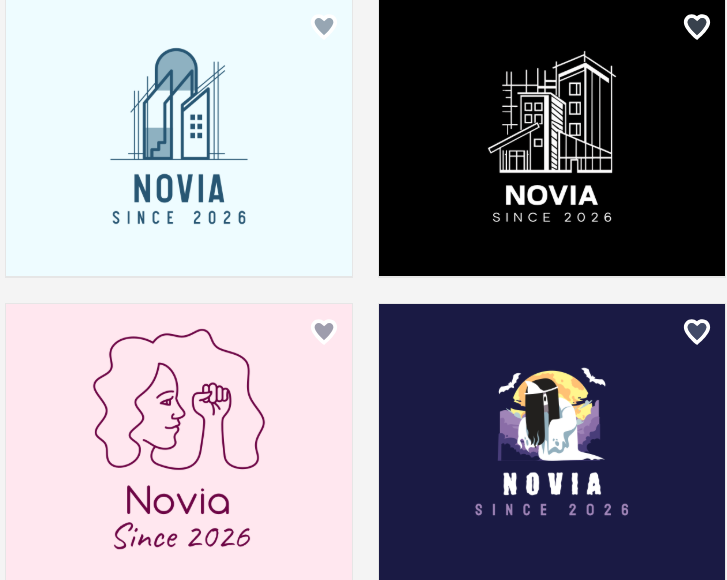
Creating a professional logo doesn’t have to be expensive. Today, affordable platforms make it easy for startups, freelancers, and small businesses to design logos without hiring a designer.
However, not all logo makers provide the same quality, customization, or value. Some focus on simplicity, while others offer more tools and branding features at a reasonable price.
In this comparison, we examine BrandCrowd, DesignEvo, and Wix Logo Maker to find out which platform strikes the best balance between cost and quality.
What to Look for in an Affordable Logo Platform?
When picking an affordable logo maker, it’s crucial to consider value, not just price. Important factors include:
- Template Quality: Professional, modern logo designs
- Customization: Ability to adjust fonts, colors, icons, and layout
- File Formats: Access to high-resolution and vector files
- Ease of Use: Simple tools for quick logo creation
- Commercial Use: Logos must be safe for business use
BrandCrowd
BrandCrowd is a popular logo platform that provides a vast library of professional templates and design tools powered by AI. It’s perfect for budget-conscious users looking for high-quality, unique logos without paying a lot.
Pros
- Access to 380K+ professional logo templates for all industries.
- AI-assisted editing for icons, text, and layout with copyright-safe tools.
- Hundreds of exclusive fonts and over 60,000 vector shapes.
- High-resolution and vector file downloads in multiple formats (SVG, EPS, PDF, PNG, JPG, GIF, MP4).
- Digital business cards, social media posts, and other branding assets are available.
- Logos automatically match other design materials for seamless brand cohesion.
Additional Features
- A built-in AI website builder, business name generator, and background remover.
- Over 50 design tools for flyers, presentations, letterheads, menus, and more.
- Easy printing options for business cards, apparel, mugs, and other merchandise.
- Collaboration tools to collect feedback and vote on logo ideas.
- Support for multiple languages and payment options in several currencies.
Cons: No drawbacks.
Pricing
- Free: Explore and customize logos, templates, and design tools at no cost. You need a premium plan to download your finished designs.
- Premium ($3/month): Unlock high-resolution and vector file downloads, make unlimited logo edits, and enjoy flexible month-to-month billing.
- Premium Logo Pack + Website ($4/month): Includes all Premium features, plus full access to the website builder for a complete branding solution.
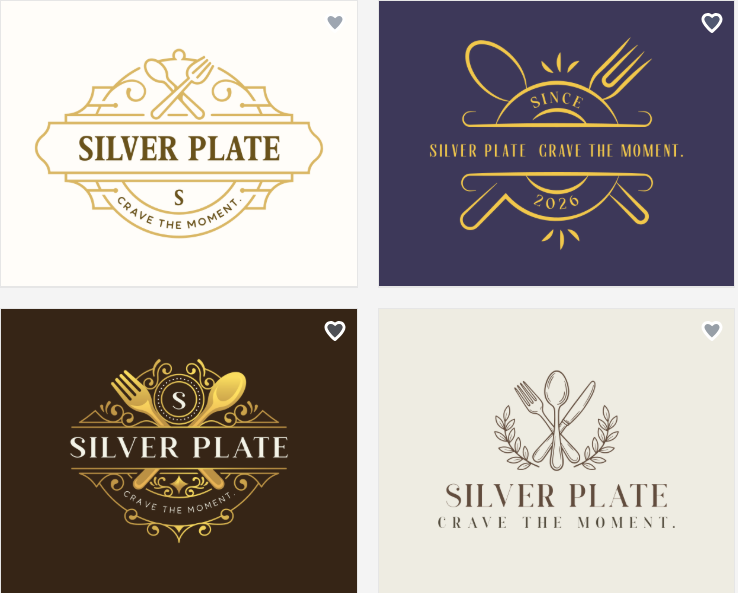
BrandCrowd offers great value by combining affordability with professional design quality, useful editing tools, and a complete branding ecosystem.
DesignEvo
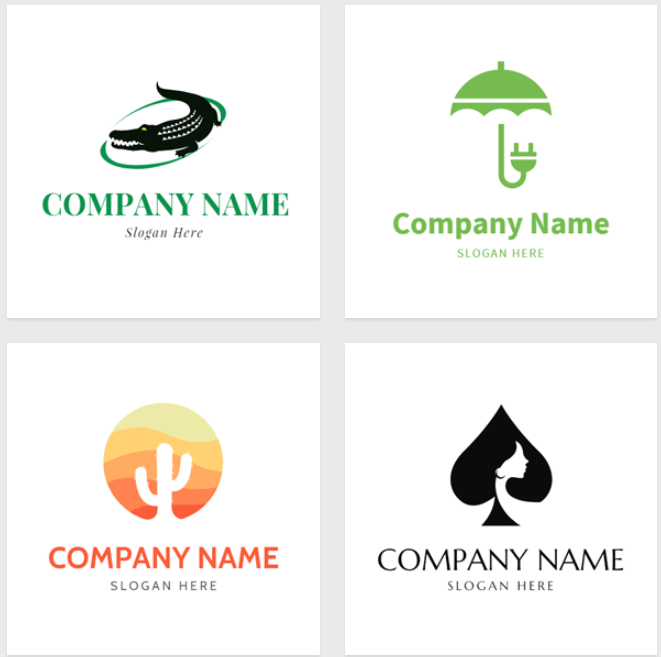
DesignEvo is a simple, low-cost platform for quick logo creation. It’s user-friendly and has a large selection of templates suitable for small businesses.
Pros
- Over 10,000 templates for various industries.
- Intuitive drag-and-drop editor.
- Wide selection of fonts and icons.
Additional Features
- Cloud-based editing and saving.
- Basic branding tools for social media graphics.
Cons
- Limited customization options.
- Free logos are low-resolution.
- Designs may seem less unique.
Pricing
- Free: Create and customize logos for free with low-resolution downloads and limited usage.
- Basic ($24.99): Get high-resolution JPG/PNG files, unlimited edits, and lifetime access to one logo.
- Plus ($49.99): Includes everything in Basic, plus vector files, font files, and full copyright ownership.
DesignEvo is good for beginners who need a fast, straightforward logo solution, but it lacks the professional polish and features offered by BrandCrowd.
Wix Logo Maker
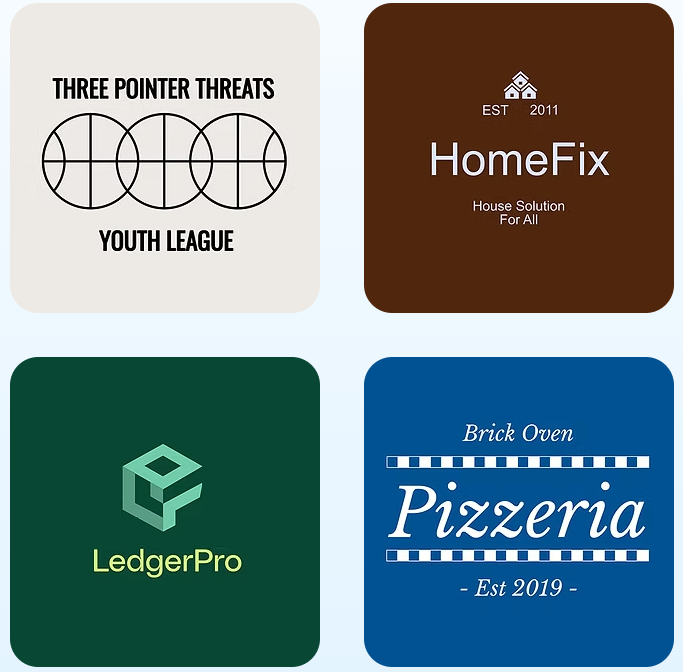
Wix Logo Maker creates logos using AI based on your input. It’s convenient for users who also want to build a website within the Wix ecosystem.
Pros
- AI-powered logo generation
- Customizable colors, fonts, and layout
- Works with the Wix website builder
Additional Features
- Branding assets for online use
- Easy website integration
Cons
- Limited uniqueness of AI-generated logos
- Paid plan needed for high-resolution files
- Less flexibility outside the Wix ecosystem
Pricing
- Business Elite ($159/month): Full features, unlimited storage.
- Business ($39/month): Balanced features, 100 GB storage.
- Core ($29/month): Essential features, 50 GB storage.
- Light ($17/month): Basic features, 2 GB storage.
Wix Logo Maker works best for users who want a simple AI-generated logo and a website, but it offers fewer design options compared to BrandCrowd.
Feature Comparison
| Feature | BrandCrowd | DesignEvo | Wix Logo Maker |
| Template Quality | Professional, exclusive | Large library, simpler styles | AI-generated |
| Customization | Full control with AI | Basic drag-and-drop | Moderate |
| File Formats | Vector + high-res + animated | Limited on the free plan | Paid high-res files |
| Ease of Use | Beginner-friendly with advanced tools | Very easy | Easy to use |
| Pricing | Pay per download | Free + paid upgrades | Free preview, paid download |
| Free Plan | Yes – create & preview | Yes – low-res download | Yes – preview & create |
| AI Tools | Yes – icon & text editing | None | AI logo generator |
| Branding Assets | Yes – business cards, social posts, flyers | Basic | Limited |
| Commercial Use | Yes | Yes | Yes |
| Template Uniqueness | High – exclusive templates | Moderate | Moderate |
Final Choice
All three platforms make logo creation easy for small businesses and startups. DesignEvo is great for beginners seeking a quick solution, and Wix Logo Maker is convenient for those building a Wix website.
However, BrandCrowd stands out as the best budget-friendly option. For high-quality, customizable logos that meet all your branding needs, BrandCrowd is the clear choice.
